What Vibe Coding Taught Me About Software Engineering (As a Designer)
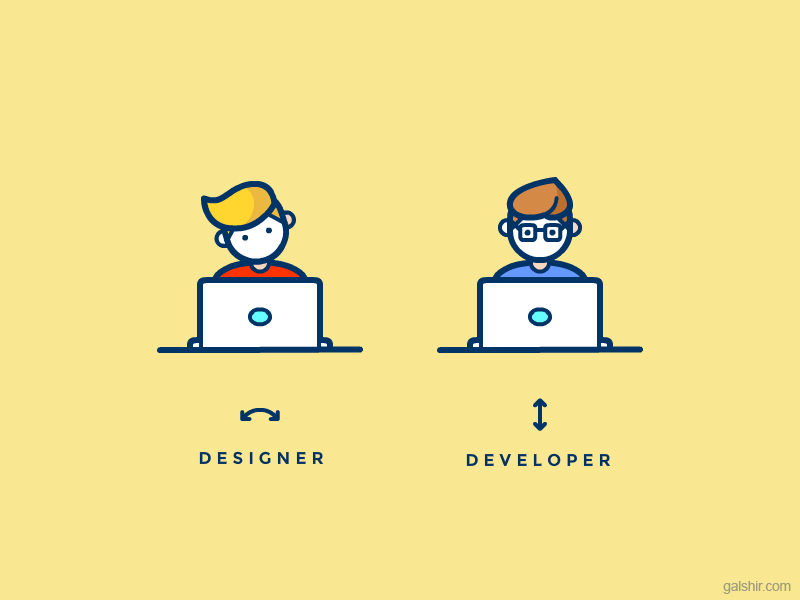
In the last few months, I’ve become deeply interested in vibe coding — building things quickly, experimenting freely, and learning by doing.
I started working on a small side project: a vocabulary learning app, inspired by my own struggle to memorize German words.
At first, this felt like a fun experiment.
But very quickly, it became something more valuable: a crash course in software engineering realities — and a humbling one.
For the first time, I wasn’t just designing and handing things off.
I was building, debugging, restructuring, and feeling the pain developers often talk about.
And it changed how I’ll design going forward.
From “Why Is This Taking So Long?” to “Oh… Now I Get It”
In past projects, when discussing MVP scope or timelines with developers, I sometimes felt they were overcomplicating things.
“It’s a small UI change.”
“This shouldn’t take that long.”
“Can’t we just add this?”
Now, after building my own app, I understand how naïve those assumptions were.
Here are the areas I consistently underestimated as a designer — and what I learned the hard way.
1. The Engineering Cost of “Small” UI Changes
As a designer, I used to see UI changes in isolation:
Move a button
Rename a label
Add a toggle
In Figma, these are seconds.
In code, they often mean:
Updating components
Adjusting logic
Handling new states
Updating tests
Ensuring nothing else breaks
While vibe coding, I felt the friction directly.
A “tiny” UI tweak could easily ripple through multiple files and force me to rethink assumptions I’d already baked into the system.
Lesson learned:
Small visual changes are rarely small technical changes.
2. Backend Data Complexity Is Invisible — Until You Build It
Design often treats data as if it’s already clean, structured, and available.
But when I started implementing:
vocabulary lists
progress tracking
learning states
repetition logic
I realized how complex data really is.
Every “simple” screen required decisions about:
data structure
relationships
updates
sync logic
future extensibility
What looked like a simple feature on the surface often hid a deeply complex backend reality.
Lesson learned:
If data isn’t clearly defined, the UI is lying.
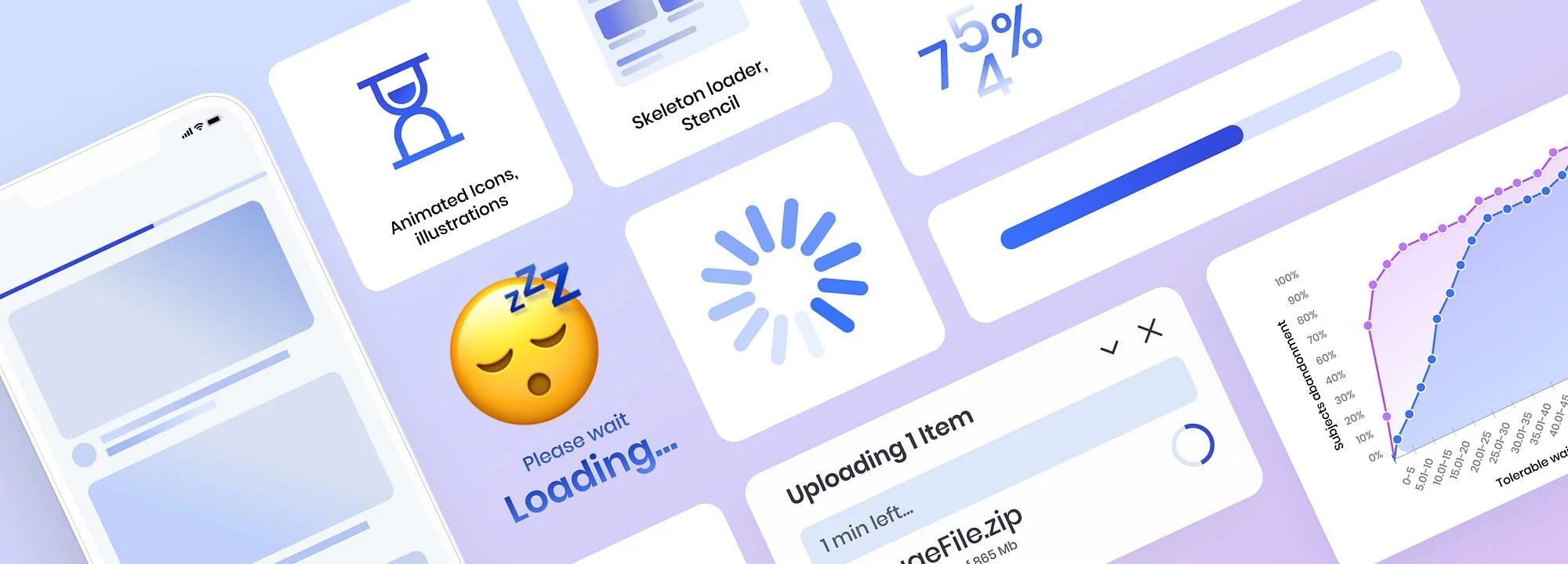
3. Performance Is a Design Constraint, Not a Technical Detail
While vibe coding, I noticed how easily performance degrades:
slow renders
unnecessary re-renders
heavy data processing
inefficient queries
And the thing is — users don’t care why it’s slow.
They just feel that something is wrong.
Design decisions directly impact performance:
how much data is loaded
when it’s loaded
how often things update
Lesson learned:
Performance is part of the user experience, whether designers acknowledge it or not.
What This Changed in How I Design
After vibe coding, I’ll approach design differently:
I’ll question “small changes” more carefully
I’ll think about data structures earlier
I’ll design with edge cases in mind
I’ll treat performance as a first-class constraint
I’ll empathize more deeply with engineering trade-offs
Not because I want to design less —
but because I want to design things that can actually be built well.
Final Thought: Vibe Coding Made Me a Better Designer
Vibe coding didn’t turn me into a full-time engineer.
But it gave me something far more valuable: perspective.
I now understand why developers push back.
Why timelines slip.
Why MVP discussions matter.
And most importantly —
I design with more respect for the invisible complexity behind every screen.